
A
Terminals that survive
Your shells keep running when the window closes, the app updates, or the desktop gets out of your way. Reopen it and pick up where you left off.

† Native terminal workstation · macOS + Linux
Harness Harlot is a terminal multiplexer built in Rust — GPU-rendered panes for local shells and SSH hosts. Tabs, splits, groups, tmux integration, and embedded browser tabs in one native window. Your terminals keep running when the app closes, crashes, or updates.
Requires a Mac with Apple silicon
curl -fsS https://harnessharlot.com/install | sh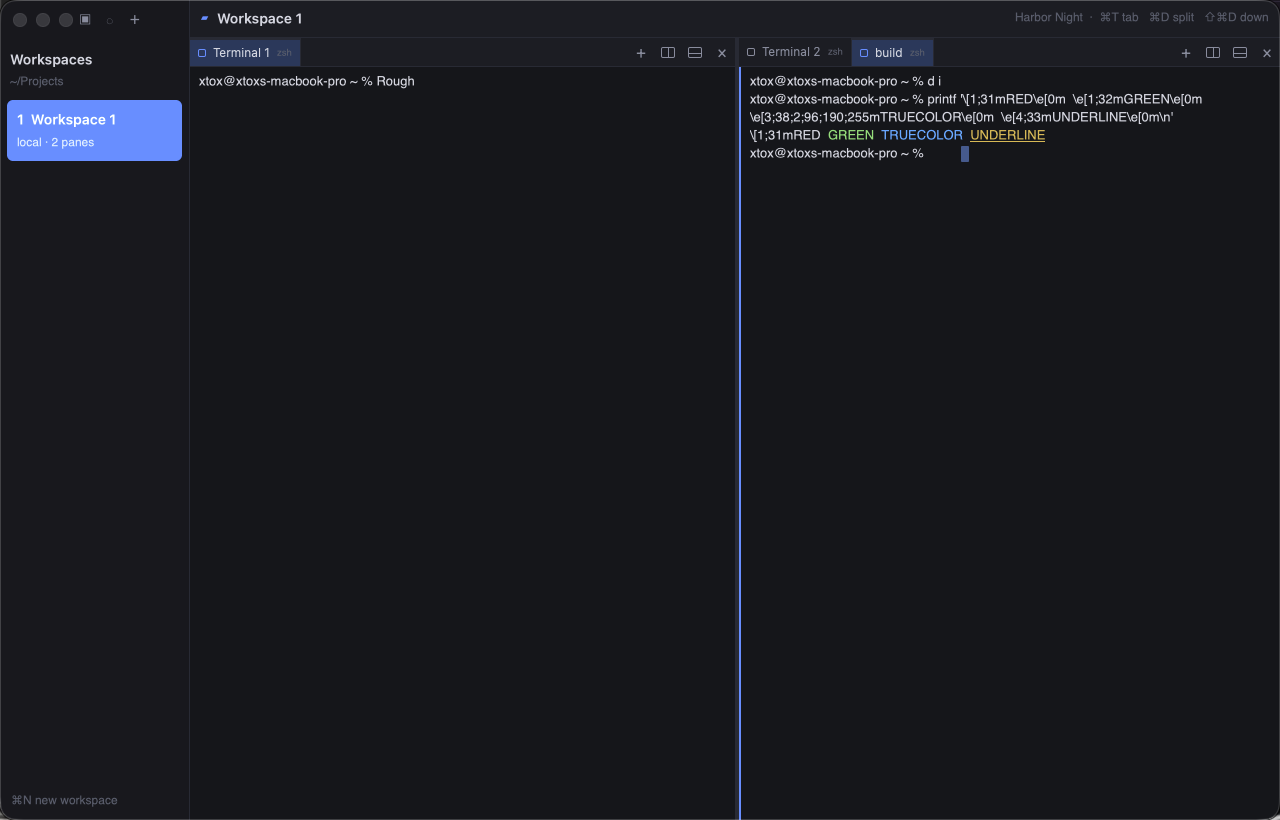
01 Your machines, made tangible
A workstation is simply a place where you work: your Mac, your Linux box, or any machine you reach over SSH.
Each one remembers its name, color, working folder, and terminal layout. Pin the machines you live in. Open a new shell and land where you meant to be. Your SSH setup stays yours — Harness Harlot uses the keys, agents, hosts, and verification rules you already trust.
02 The working set
Move from a single command to a whole machine room without losing the thread.
A
Your shells keep running when the window closes, the app updates, or the desktop gets out of your way. Reopen it and pick up where you left off.
B
Split in any direction, drag the layout into shape, and bring several terminals — or a browser — together for one task.
C
Ask for a scan, choose a session, and attach. Nothing hunts through local or remote servers in the background.
D
Known command-line agents are recognized and labeled automatically, so a wall of busy terminals still makes sense at a glance.
E
Keep the docs, preview, or console beside the terminals doing the work — inside the same native layout.